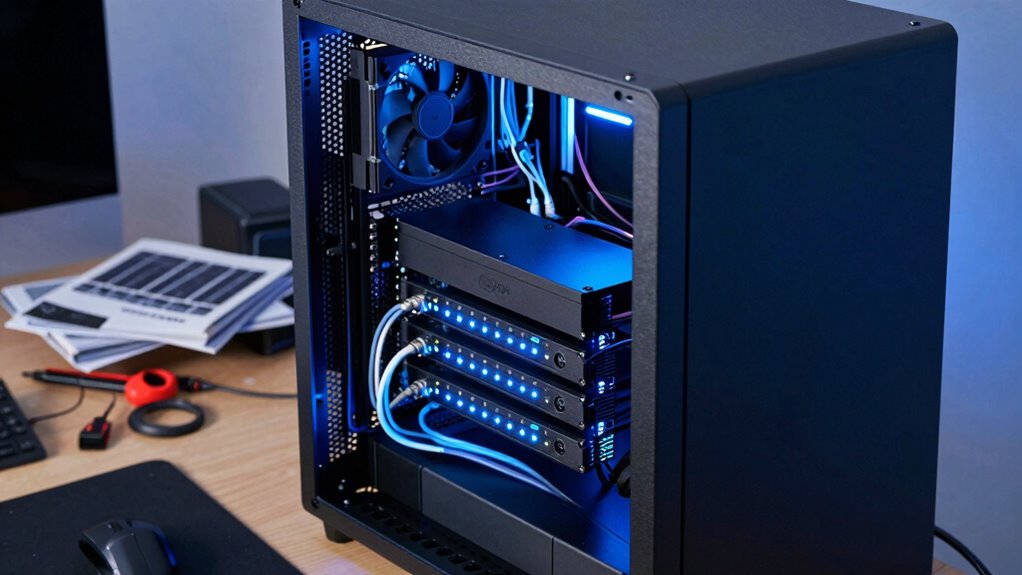

Homelab servers matter for node operators because they give you full control over your infrastructure, letting you customize hardware, improve security, and boost performance without relying on fixed cloud plans. You can add RAM, storage, or faster processors to meet your project needs, while experimenting with configurations and security measures to optimize setup. This hands-on approach helps you develop skills and build a more reliable, secure network—if you want to discover more, keep exploring this topic.
Key Takeaways
- Homelab servers enable customizable hardware setups tailored for optimal node performance and scalability.
- They provide full control over infrastructure, allowing experimentation with configurations and security measures.
- Homelabs enhance security by implementing custom protocols, reducing reliance on shared cloud environments.
- They facilitate reliable operation through tailored maintenance, backups, and redundancy strategies.
- Homelab servers support skill development in infrastructure management and hardware customization.
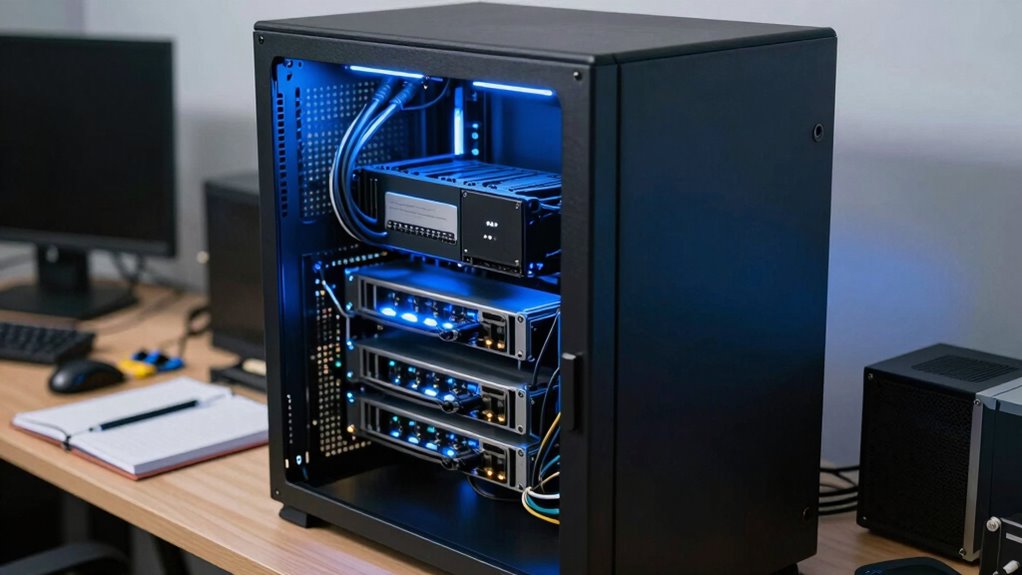
Setting up a homelab server can be a game-changer for node operators looking to improve control, security, and reliability. Unlike relying on third-party cloud services, a homelab allows you to build a dedicated environment tailored precisely to your needs. One of the biggest advantages is cloud scalability—while traditional cloud platforms offer easy resource expansion, a homelab gives you the flexibility to scale hardware based on your project requirements. You can add more RAM, storage, or faster processors as your workload grows, without being locked into fixed cloud plans or paying extra fees. This level of hardware customization means you’re in charge of every component, guaranteeing peak performance and cost-effectiveness.
A homelab offers flexible hardware scaling, full control, and cost-effective customization tailored to your node operations.
With a homelab, you’re not limited by the constraints of commercial cloud providers. You can experiment with different configurations, operating systems, or network setups, giving you a deeper understanding of your infrastructure. This control helps you identify bottlenecks and refine your node operations more efficiently. Plus, when it comes to security, a homelab offers significant advantages. You’re in charge of the entire environment, so you can implement stronger security protocols, custom firewalls, and encryption measures that might be harder or more costly to enforce in a shared cloud environment. This control reduces the risk of data breaches and gives you peace of mind knowing your nodes are protected by your own security policies.
Another benefit is reliability. Cloud services are generally reliable, but they can experience outages or downtime. When you manage your own server, you can set up redundant systems, regular backups, and maintenance schedules that fit your specific needs. This proactive approach minimizes potential disruptions and ensures your node network remains operational. Additionally, a homelab environment can serve as a testing ground for new features, software updates, or security patches before deploying them to live nodes. This testing reduces the risk of bugs or vulnerabilities affecting your entire network. Furthermore, a homelab allows you to explore hardware customization options that are often limited or more costly in cloud environments, giving you even greater control over your infrastructure. Incorporating dedicated hardware can enhance performance and stability, especially for resource-intensive operations.
Moreover, having a dedicated environment helps you develop valuable skills in network management, which can improve your overall infrastructure’s robustness and security. In the end, a homelab server puts you in the driver’s seat. It offers unparalleled control over hardware customization, allowing you to build a system that adapts as your node operations evolve. The flexibility to scale resources, enforce your security standards, and ensure high reliability makes homelabs an invaluable asset for serious node operators. While it requires initial effort and investment, the long-term benefits in performance, security, and learning opportunities make it a worthwhile pursuit for anyone looking to elevate their infrastructure.
As an affiliate, we earn on qualifying purchases.
Frequently Asked Questions
What Are the Initial Costs of Setting up a Homelab Server?
The initial costs of setting up a homelab server vary based on your hardware requirements, but a basic setup can start around $300 to $500. Your cost estimation depends on components like a reliable CPU, enough RAM, storage, and networking gear. You might already have some parts, which can lower expenses. Investing in quality hardware guarantees stability, so consider your long-term needs when planning your budget.
How Do I Ensure My Homelab Server’s Security?
Did you know that 60% of security breaches exploit outdated firmware? To keep your homelab server secure, you should implement network segmentation to isolate critical systems and limit access. Regularly updating your firmware patches vulnerabilities, preventing hackers from exploiting known flaws. Always monitor your network for unusual activity, use strong passwords, and enable firewalls. These steps help protect your server and guarantee your node operations stay safe and reliable.
Can Homelab Servers Run 24/7 Reliably?
Yes, your homelab server can run 24/7 reliably if you choose energy-efficient hardware and optimize cooling. To guarantee consistent uptime, select components designed for continuous operation, and keep noise levels manageable by using quiet cooling solutions. Regular maintenance, updates, and monitoring also help prevent failures. By prioritizing energy efficiency and noise control, you create a stable environment that supports long-term, reliable operation of your homelab server.
What Hardware Specifications Are Ideal for a Homelab Server?
You should aim for a homelab server with a balance of hardware customization and energy efficiency. Opt for a mid-range CPU, like an Intel i5 or AMD Ryzen, with at least 16GB RAM for smooth operation. Choose energy-efficient components, such as SSD storage and low-power power supplies, to reduce energy consumption. Prioritize reliable hardware with good cooling, ensuring your server runs 24/7 without overheating or excessive power use.
How Do I Troubleshoot Common Homelab Server Issues?
To troubleshoot common homelab server issues, start with network troubleshooting by checking your connections, IP settings, and firewall rules. Use hardware diagnostics tools to identify faulty components like RAM, hard drives, or power supplies. Keep an eye on system logs for errors and monitor server temperatures. Restarting or reseating hardware can often resolve minor issues. Regular maintenance and documentation help you quickly spot recurring problems and improve your troubleshooting efficiency.
As an affiliate, we earn on qualifying purchases.
Conclusion
In the end, maintaining a homelab server isn’t just about experimentation; it’s about understanding the intricate dance of decentralization and control. By simulating network conditions and testing updates firsthand, you gain insights that can’t be replicated elsewhere. This hands-on experience suggests that, contrary to some beliefs, homelabs aren’t merely hobbyist pursuits but essential tools for resilient, informed node operation—proving that a well-managed homelab could be the backbone of a more secure, autonomous network.
As an affiliate, we earn on qualifying purchases.
network security firewall for homelab
As an affiliate, we earn on qualifying purchases.
As an affiliate, we earn on qualifying purchases.