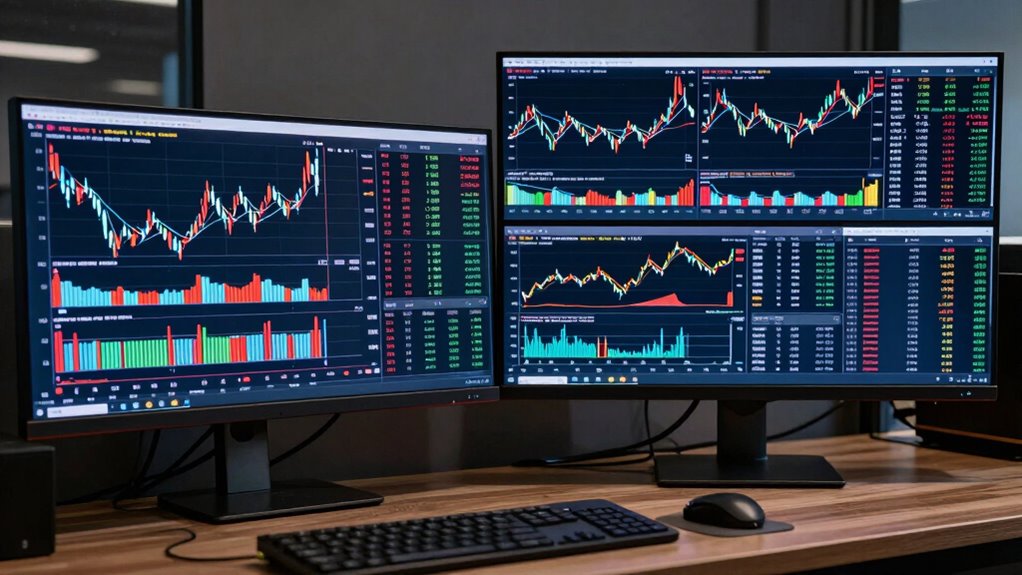

Choosing between a 34-inch ultrawide and larger trading displays depends on your space and hardware. Ultrawides give you a wide, seamless workspace for multitasking and are easier on your setup, offering better ergonomic comfort. Larger screens provide extra real estate but need more desk room and stronger hardware, which could cause lag or compatibility issues. To understand which suits your style and setup, discover more insights ahead.
Key Takeaways
- Ultrawides (34-inch) offer seamless, integrated workspace ideal for multitasking without bezels disrupting workflow.
- Larger displays (43-inch/49-inch) provide more screen real estate but require more desk space and hardware support.
- Ultrawides balance size and hardware compatibility, reducing lag and resolution issues compared to larger screens.
- Both options vary in color accuracy; high fidelity is essential for detailed chart analysis.
- Ergonomics and workspace setup are crucial, with larger screens needing adjustments to prevent strain.
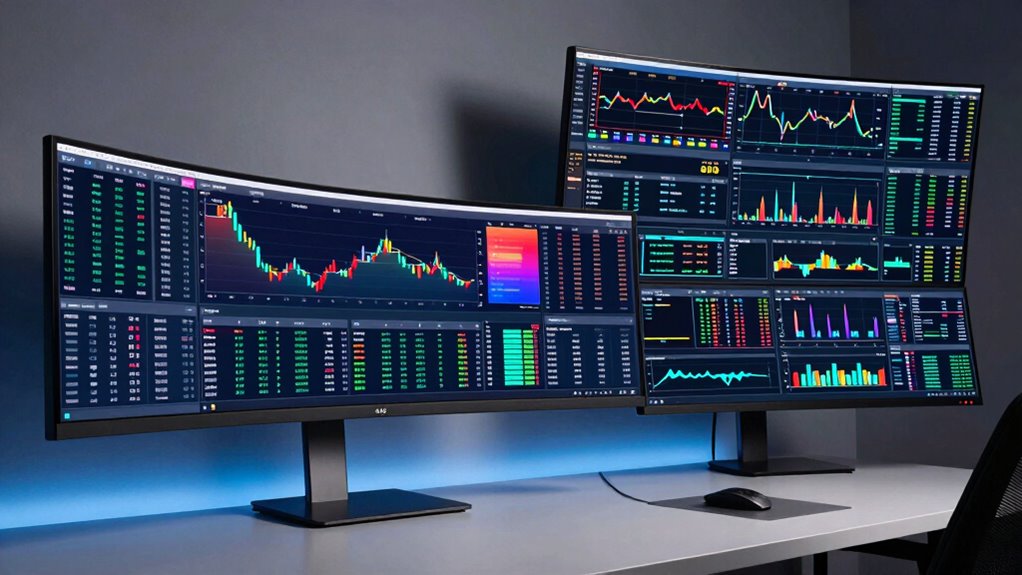
Are 34-inch ultrawide monitors the best choice for trading, or should you opt for larger displays? When it comes to trading, your monitor setup can markedly impact your efficiency and decision-making. A 34-inch ultrawide provides a broad, immersive workspace that allows you to view multiple charts, news feeds, and trading platforms simultaneously without feeling cramped. Its expansive horizontal real estate makes multitasking smoother, giving you quick access to essential information. However, consider whether this size matches your needs regarding color accuracy and hardware compatibility. High color accuracy is indispensable if you rely on detailed chart analysis or visual cues, and not all ultrawides deliver the same quality. Some models prioritize size over color fidelity, so make sure to choose one with a wide color gamut and good calibration options to guarantee your data visualization is precise. Additionally, evaluating hardware compatibility is crucial to ensure your setup can support larger or ultrawide monitors effectively. Furthermore, the ergonomic setup can significantly influence your comfort during extended trading sessions, especially with larger displays that may require adjustments. Larger displays, such as 43-inch or 49-inch screens, can offer even more space, but they come with their own set of considerations. While bigger screens can accommodate more windows and provide a more immersive experience, they also demand more from your hardware. Compatibility issues may arise depending on your graphics card and docking setup, especially if you’re running multiple high-resolution monitors. Confirming that your hardware can support larger displays without lag or resolution issues is essential. Additionally, the ergonomic adjustments needed for larger screens are vital to prevent strain and discomfort during long trading hours, which can impact your overall performance. Furthermore, larger screens may require additional desk space and proper placement to optimize viewing angles and reduce fatigue. In terms of usability, ultrawides excel because they offer a seamless, single-canvas experience, minimizing bezels and distractions. This setup can improve your workflow, helping you keep an eye on the market without toggling between windows. But if you prefer a setup with multiple distinct monitors, larger displays can be arranged in a multi-monitor stand to mimic that environment, although it may not be as clean or integrated as an ultrawide.
Ultimately, your choice depends on your specific trading style, workspace, and hardware setup. If you value compactness, ease of setup, and excellent color accuracy, a 34-inch ultrawide might be your best bet. If you need maximum screen real estate and your hardware can support it, larger displays could give you an advantage. Just remember to assess your hardware compatibility and prioritize color accuracy for peak performance.

SAMSUNG 34" ViewFinity S50GC Series Ultra-WQHD Monitor, 100Hz, 5ms, HDR10, AMD FreeSync, Eye Care, Borderless Design, PIP, PBP, LS34C502GANXZA, 2023, Black
- Large Ultra-Wide Screen: 21:9 aspect ratio for multitasking
- Ultra WQHD Resolution: Maximize screen real estate
- Vivid Color Display: Over 1 billion colors with HDR10
As an affiliate, we earn on qualifying purchases.
As an affiliate, we earn on qualifying purchases.
Frequently Asked Questions
How Do Ultrawides Impact Multitasking Efficiency Compared to Larger Displays?
Ultrawides boost your multitasking efficiency by providing a seamless, wide view that reduces visual clutter and keeps multiple windows visible at once. This setup allows you to organize your workspace better, minimizing constant window switching. Unlike larger displays, ultrawides encourage a more streamlined workflow, helping you focus and work faster without sacrificing clarity. Overall, they create an efficient, organized environment ideal for managing multiple tasks simultaneously.
What Are the Ergonomic Considerations for Ultrawide Versus Larger Trading Monitors?
You should consider ergonomic workspace setup and eye strain considerations when choosing between ultrawide and larger trading monitors. Ultrawides require you to adjust your seating and monitor position to avoid neck strain, ensuring the monitor’s top aligns with your eye level. Larger displays can reduce eye strain by allowing you to set the screen at a comfortable distance, but they may demand more head movement. Proper positioning minimizes fatigue and promotes better ergonomics.
Which Display Type Offers Better Color Accuracy for Financial Analysis?
Larger trading displays generally offer better color accuracy for financial analysis because they often feature superior color calibration and consistent brightness. This guarantees you get precise, reliable visuals for detailed data and charts. Ultrawide monitors can still be good, but they may sometimes compromise on color calibration. If accuracy is your priority, a larger display with professional-grade calibration ensures you see true colors and consistent brightness, aiding better decision-making.
Are Ultrawides More Suitable for Portable Trading Setups?
While ultrawides can be appealing, they’re not the best fit for portable trading setups. Portability challenges and setup complexity make them less practical on the go. You might find that their size and weight hinder quick adjustments or transport, so opting for more compact, lightweight displays can streamline your workflow. This way, you stay flexible and efficient, avoiding unnecessary hurdles in your trading environment.
How Does Screen Resolution Differ Between Ultrawides and Larger Trading Displays?
You’ll find that ultrawides typically have higher screen resolution, offering sharper images and more detailed data, thanks to their optimized aspect ratios like 21:9. Larger trading displays might prioritize size over resolution, often with lower pixel density. Screen curvature in ultrawides enhances immersion and reduces glare, making it easier to focus on multiple charts simultaneously. Overall, ultrawides balance resolution and aspect ratio, giving you clearer visuals suited for trading.

CCTVPRO 43 Inch Surveillance Grade Large Size 24/7 4K Monitor Screen, 4K LCD Monitor, HDMI/VGA/DVI/BNC Inputs, 3840 x2160 HD, 16:9, 5ms Response, Designed for CCTV Security DVR/NVR Camera System
- Ultra HD Resolution: 3840×2160 for detailed images
- Fast Response Time: 5ms for smooth motion
- Continuous 24/7 Operation: Reliable for all-day security
As an affiliate, we earn on qualifying purchases.
As an affiliate, we earn on qualifying purchases.
Conclusion
Ultimately, choosing between a 34-inch ultrawide and larger trading displays depends on your specific needs and workspace. While ultrawides offer a sleek, immersive experience, larger displays provide ample room for multiple charts and tools. Don’t put all your eggs in one basket—consider your workflow and space constraints. Remember, the grass isn’t always greener, but with the right setup, you’ll be well-equipped to stay ahead of the game.

Sceptre 34-Inch Curved Ultrawide WQHD Monitor (3440 × 1440), R1500, up to 180Hz/165Hz, DisplayPort x2, 99% sRGB, 1ms, Built-in Speakers, Machine Black, 2025 (C345B-QUT168)
- Fast Response Time: 1ms MPRT for smooth visuals
- Back Cover LED Lights: Colorful illuminated modern design
- WQHD Resolution: 3440 x 1440 for detailed images
As an affiliate, we earn on qualifying purchases.
As an affiliate, we earn on qualifying purchases.

HUANUO FlowLift™ Dual Monitor Stand, Fully Adjustable Gaming Monitor Desk Mount for 13–32″ Computer Screens, Full Motion VESA 75×75/100×100 with C-Clamp & Grommet Base, Each Arm Holds 4.4 to 19.8 lbs
- Monitor Compatibility: Supports 13-32 inch, 4.4-19.8 lbs, VESA 75×75/100×100
- Desk Compatibility: Fits wooden desks 0.59-3.54 inches thick
- Secure Mounting: Dual C-clamp and grommet options for stability
As an affiliate, we earn on qualifying purchases.
As an affiliate, we earn on qualifying purchases.