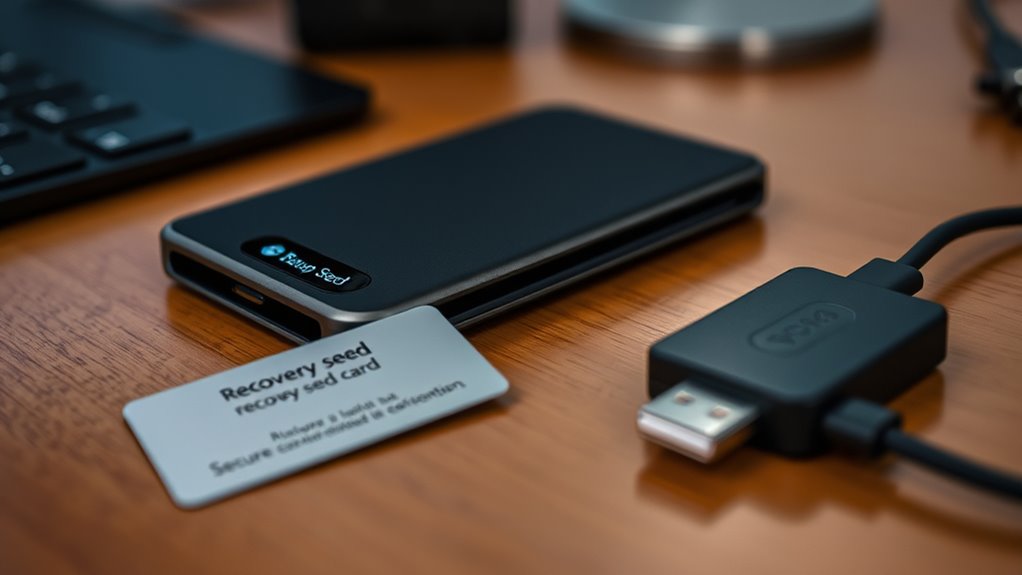

To set up an iron‑clad hardware wallet in just 15 minutes, start by choosing a compatible device and confirming it supports your system (Windows, macOS, Android, iOS). Carefully follow the manufacturer’s instructions to connect your device, install any necessary software, and update firmware. During setup, generate and securely write down your seed phrase offline, keeping it private. Set a strong PIN and enable security features. If you stay attentive, you’ll learn how to maximize your wallet’s safety with each step.

Get hardware and tech essentials delivered free with Prime
- Fast, free delivery on millions of items
- Prime Video, Amazon Music and more included
- Member-only deals all year
Key Takeaways
- Verify hardware wallet compatibility with your device and operating system before beginning setup.
- Follow manufacturer instructions carefully to connect the device securely using official cables and software.
- Generate and securely write down your seed phrase offline, double-checking for accuracy during setup.
- Set a strong, unique PIN or passphrase and enable additional security features for enhanced protection.
- Keep firmware and software updated regularly to ensure maximum security and device functionality.
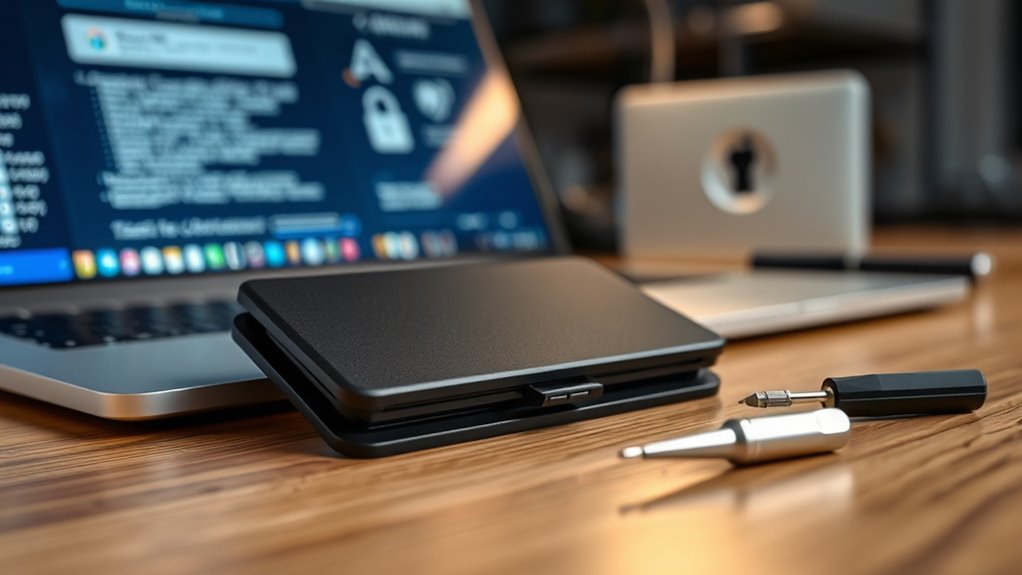
Setting up a hardware wallet is an essential step in securing your cryptocurrency assets. It’s your first line of defense against hacks, theft, and unauthorized access. When you start the setup process, one of the most critical aspects to focus on is seed phrase security. Your seed phrase is the master key to your funds; anyone with access to it can control your assets. That’s why you must keep it private, offline, and stored securely—preferably in a physical location that only you can access. Avoid digital copies, cloud storage, or sharing it with anyone. The process of generating your seed phrase is straightforward, but the importance of safeguarding it cannot be overstated. Once your device creates the seed phrase, double-check that you’ve written it down correctly and store it in a safe place. This phrase is your backup, so losing it means losing access to your crypto holdings permanently. Ensuring that your seed phrase remains confidential is crucial, especially since vetted security practices are essential for protecting your digital assets. Device compatibility is another vital factor to consider during setup. Before you begin, verify that your chosen hardware wallet works seamlessly with your computer or mobile device. Some wallets are optimized for specific operating systems or require certain apps or software to connect. Ensuring device compatibility means you’ll avoid frustration or delays during setup and daily use. It also guarantees smooth integration with your preferred wallet management apps. Most hardware wallets support major platforms like Windows, macOS, Linux, Android, and iOS, but it’s wise to check the manufacturer’s specifications beforehand. When connecting your device, follow the manufacturer’s instructions carefully, making sure you’re using official cables and software to prevent security vulnerabilities. During the setup, you’ll likely be prompted to install companion apps or software on your device. This step is essential for managing your crypto holdings and signing transactions securely. Make sure your device is fully updated with the latest firmware and software versions, as outdated versions may contain vulnerabilities. Once your wallet is initialized and your seed phrase is securely stored, you’ll be able to set a PIN or passphrase for added security. Always choose a strong, unique PIN that’s difficult to guess. Remember, your hardware wallet is only as secure as your seed phrase security and how well your device is integrated into your overall setup.
Products Worth Considering

Trezor Safe 7 Crypto Hardware Wallet

Trezor Safe 5 Crypto Hardware Wallet with Color Touchscreen, Black Graphite

Ledger Flex + Folio Crypto Hardware Wallet
As an affiliate, we earn on qualifying purchases.
Frequently Asked Questions
How Do I Securely Store My Recovery Seed?
To securely store your recovery seed, prioritize seed protection and physical security. Write it down on durable, fireproof, and waterproof material, then hide it in a safe location away from prying eyes. Avoid digital storage to minimize hacking risks. Consider splitting the seed into parts and storing them separately. Regularly review your storage method to guarantee it remains secure, and never share your seed with anyone.
Can I Use a Hardware Wallet With Multiple Cryptocurrencies?
Imagine your hardware wallet as a versatile toolbox, ready to handle different projects. Yes, you can use it with multiple cryptocurrencies, thanks to its multi coin support and wallet compatibility. This means you don’t need separate devices for each coin. Just guarantee your hardware wallet’s firmware and software support all your desired cryptocurrencies, turning it into a Swiss Army knife for your digital assets—powerful, flexible, and ready for anything.
What Should I Do if I Lose My Recovery Seed?
If you lose your recovery seed, you should act quickly to protect your funds. First, check if you have a seed backup stored securely offline. If not, review your emergency plan—consider transferring your assets to a new wallet with a new seed. Always remember, safeguarding your seed backup is essential; without it, your crypto assets may be unrecoverable. Stay prepared to avoid losing access forever.
How Often Should I Update My Hardware Wallet’S Firmware?
Think of updating your hardware wallet’s firmware like installing a new app on your smartphone—you should do it regularly. You’ll want to check for software updates at least once a month to keep firmware security tight and guarantee compatibility. Regular updates fix security vulnerabilities, improve functionality, and protect your assets. Don’t wait for a warning—stay proactive, and your hardware wallet will stay secure, just like a well-guarded treasure chest.
Is It Safe to Connect My Hardware Wallet to a Public Computer?
Connecting your hardware wallet to a public computer isn’t advisable due to public computer risks like malware and keyloggers. These threats can compromise your device’s security and your private keys. Public computers may also have device compatibility issues, making secure transactions difficult. To keep your funds safe, always use a trusted, offline device or your personal computer, and avoid public systems unless absolutely necessary and with proper security measures in place.
Conclusion
By following these simple steps, you secure your assets, protect your privacy, and gain peace of mind. Setting up your hardware wallet is quick, easy, and essential. You verify your device, generate your keys, and store your recovery phrase. You stay vigilant, keep your wallet safe, and remain confident in your security. With these practices, you empower yourself, safeguard your investments, and enjoy the freedom of control. Take action now, and secure your crypto future today.