
📊 Full opportunity report: Build vs Buy a Prebuilt AI Workstation on ThorstenMeyerAI.com — validation score, market gap, and execution plan.

Get hardware and tech essentials delivered free with Prime
- Fast, free delivery on millions of items
- Prime Video, Amazon Music and more included
- Member-only deals all year
TL;DR
The cost gap between building and buying AI workstations has closed in 2026, driven by component shortages and bulk purchasing by vendors. The decision now involves trade-offs in cost, time, thermal management, and control.
In 2026, the long-standing advantage of building your own AI workstation over buying prebuilt systems has diminished significantly, as market shortages and bulk purchasing have driven up component prices for DIY builders while prebuilt vendors now offer competitive or lower prices.
Traditionally, DIY AI workstations were cheaper because individuals assembled parts like GPUs, RAM, and SSDs, often saving money compared to prebuilt options. However, recent market conditions have shifted this dynamic. Component shortages, particularly for high-demand parts like DDR5 RAM and GPUs, have caused prices to spike for individual buyers, making DIY builds more expensive — often exceeding $1,250 before software costs. Meanwhile, large prebuilt manufacturers, who purchased components in bulk before the shortages worsened, can now offer systems at prices that are difficult to match on a part-by-part basis, sometimes even lower.
This shift means that the core decision is no longer just about cost but also includes considerations like thermal management, warranty, and time investment. Prebuilt systems often come with validated thermals, burn-in testing, and expert support, which can be crucial for professional AI workloads. Conversely, DIY builders have the flexibility to tune and upgrade their systems precisely, but they must handle thermal optimization, airflow, and troubleshooting themselves.
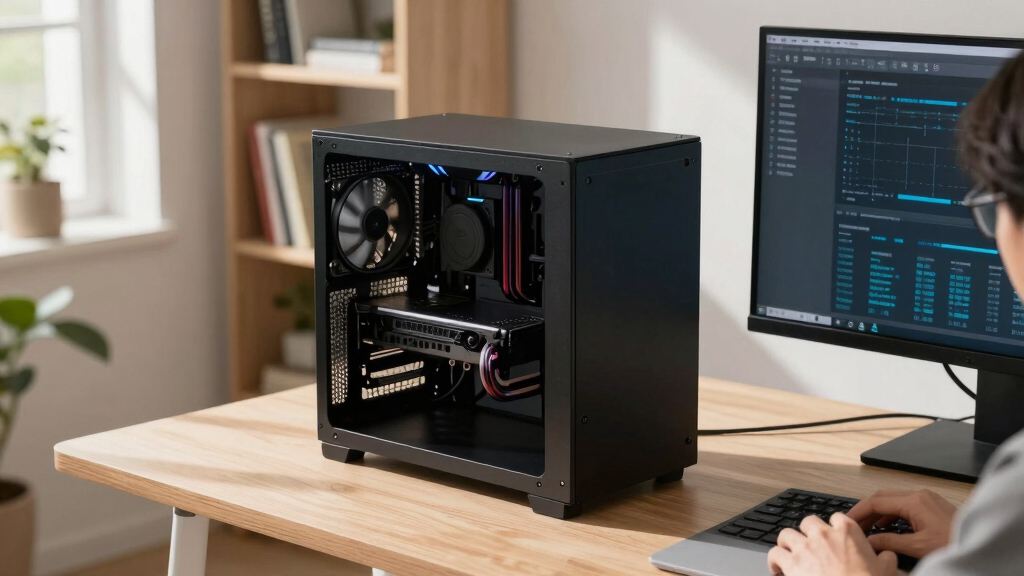
Build vs buy
an AI workstation.
The real question behind this whole series: do you pull the five heat-and-noise levers yourself, or buy a prebuilt where the vendor pulled them for you? And in 2026, the old “building is cheaper” rule has broken. Match your situation in Part 3.
Implications for AI Professionals and Enthusiasts
This development alters the traditional calculus for choosing between building and buying AI workstations. For professionals and serious hobbyists, the decision now hinges on factors beyond price, including thermal optimization, warranty, and time. The rising costs for DIY components mean that prebuilt systems offer a more attractive, risk-mitigated option, especially for multi-GPU configurations where thermal management is complex. This shift could influence purchasing strategies across the AI community, prompting a reassessment of whether to invest time in building or rely on preconfigured systems.
Products Worth Considering

Apple MacBook Pro 16-inch (2021) with M1 Max, 64 GB RAM, 2 TB SSD – Space Grey

Apple MacBook Pro 2023 with M2 Pro Chip, 14‑inch, 16 GB RAM, 512 GB SSD – Space Gray

Apple MacBook Pro with M5 Max 18-core CPU 20-core GPU 14.2-inch Display 48GB Memory 2TB SSD Space Black
As an affiliate, we earn on qualifying purchases.
Market Disruptions and Component Cost Trends in 2026
Over the past year, global shortages of GPUs, DDR5 RAM, and SSDs have caused prices for individual components to surge. This has made DIY builds more expensive than before, with some configurations exceeding $1,250 before software and OS costs. Meanwhile, prebuilt manufacturers like Lambda, Puget, and BIZON have secured bulk discounts, allowing them to offer systems at prices competitive with or below DIY options. Many of these systems are validated for thermal performance and come with comprehensive warranties, reducing the risk for buyers.
This market environment has broken the long-standing rule that building is always cheaper than buying, prompting a reevaluation of the build-versus-buy decision for high-performance AI workstations.
"The component shortages and bulk purchasing have shifted the price advantage away from DIY, making prebuilt systems a more viable option in 2026."
— Thorsten Meyer, AI hardware expert
Remaining Questions on Long-Term Cost and Upgradability
It is not yet clear how long these market conditions will persist or whether component prices will stabilize, potentially restoring the cost advantage of DIY builds. Additionally, the impact on long-term upgradability and flexibility for DIY systems versus prebuilt remains uncertain, especially as prebuilt systems incorporate more integrated cooling and power solutions.
Monitoring Market Trends and User Preferences in 2026
Buyers should continue to compare prices for specific configurations, considering both initial costs and long-term factors like maintenance, upgrades, and thermal performance. As the market evolves, vendors may adjust their offerings, and new solutions could emerge, influencing the build-vs-buy landscape further. Professionals and hobbyists alike should stay informed about component pricing trends and vendor warranties to make optimal choices.
Key Questions
Is building a cheaper AI workstation still possible in 2026?
While it was traditionally cheaper, recent market disruptions have made DIY builds often more expensive than prebuilt systems. Careful price comparison is necessary for each configuration.
What are the main advantages of buying a prebuilt AI workstation in 2026?
Prebuilts offer validated thermals, burn-in testing, warranties, and immediate plug-and-play setup, reducing the risk of thermal issues and downtime during AI workloads.
Can I upgrade a prebuilt AI workstation easily?
Upgradability varies by vendor and system design, but generally, prebuilt systems may have limitations compared to custom builds. Check specific warranty and upgrade policies.
How do component shortages affect the build-vs-buy decision?
Shortages have increased component prices, making DIY builds more costly and sometimes less feasible. Prebuilt vendors often mitigate this through bulk purchasing, sometimes offering better prices.
What should I consider beyond cost when choosing between build and buy?
Thermal management, warranty, time investment, upgradability, and support are critical factors that influence the best choice for your needs in 2026.
Source: ThorstenMeyerAI.com